QR code loyalty card
QR code loyalty card: how it works in a café or snack
A QR code loyalty card replaces the cardboard card and the ink stamp with a code scanned by phone. But who scans what, where is the card kept, and who decides a stamp is earned? This guide explains it plainly, shows the two common setups, the cheating each one allows, and what Stampylo does about it.
14-day free trial, no credit card.
| Criterion | Customer shows a QR | Customer scans the counter QR | Stampylo |
|---|---|---|---|
| Who scans | Staff | The customer | The customer, at the counter |
| Device at the counter | A device that scans | None for scanning | A tablet or phone for the cashier screen |
| Main risk | Staff stamping friends | Photo of the printed QR | Limited: stamp only on a Ready order |
| When the stamp is given | At the scan | At the scan, usually | When the order is confirmed Ready |
| Action tracking | Depends on the tool | Depends on the tool | Every action logged, daily check |
How a digital loyalty card works
The idea is the same as a paper stamp card: the customer buys, earns a stamp, and after a set number of visits gets a reward. The difference is that the card lives on the phone, not in the wallet, and a system adds the stamp instead of a hand.
The QR code is only the bridge between the customer's phone and your counter. It does not hold the card. It opens a page or identifies a person, and the system behind it counts the stamps.
QR code loyalty card: where the card lives
With most QR loyalty cards, the card is a web page or a pass in a phone wallet. The customer does not always need to install an app.
With Stampylo, there is no app to install: the card opens in the browser on Android and iPhone. The customer can keep it in two ways:
- with one WhatsApp message that sends back the link to the card;
- in Google Wallet, where the card updates itself.
- Apple Wallet is not available yet. It is planned, but not there today.
The two common ways to set up the scan
There are two main QR loyalty models, and they do not have the same weak spots.
- The customer shows a QR and staff scan it: each customer has a personal code on the phone. At the counter, staff scan it and add a stamp. You need a device that scans, and one more step for every order.
- The customer scans the counter QR: one code is printed or shown near the till. The customer scans it with the phone camera and the visit is recorded. Staff scan nothing, which helps at rush hour.
The cheating each model allows
No system is perfect. It is better to know the gaps before you choose.
- A photo of the counter QR: if the printed code never changes, a customer can photograph it and scan it again from home, or send it to friends. Each scan then gives a stamp with no purchase.
- Staff stamping their friends: when staff do the scanning, nothing stops someone from stamping a friend's card several times, or with no real order.
- Double stamps: a customer who scans twice, or staff who tap twice, can create an extra stamp if the system checks nothing.
How Stampylo approves a stamp
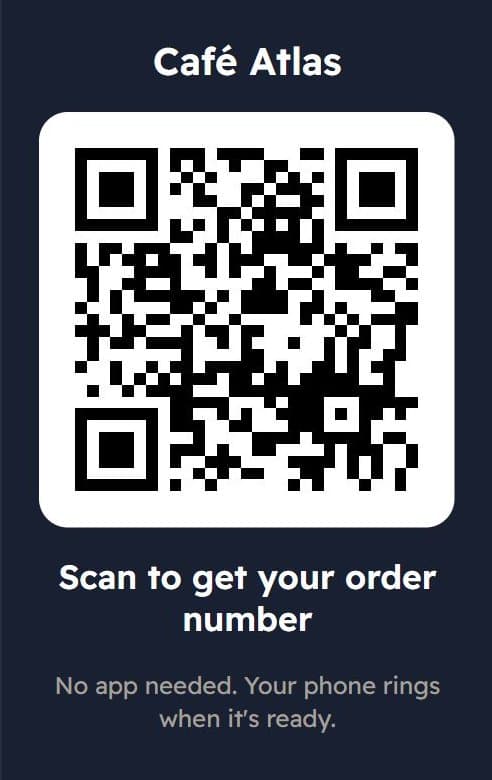
With Stampylo, the customer pays first, then scans the counter QR code. They get an order number for the day and follow the ticket on their phone. When the order is ready, the cashier screen or kitchen screen taps "Ready" and the customer's phone rings.
The stamp is not given at the scan. It is added only when the order is confirmed Ready. No real order, no stamp. So a photo of the counter QR scanned at home is not enough: without an order that is prepared and marked Ready, there is no stamp.
Extra protection against cheating
For businesses that want to go further, Stampylo adds more safeguards.
- A QR that changes every 30 seconds: as an option, the screens show a code that renews itself. A photo of it stops working within a minute.
- A daily check: every action is logged with the screen link that did it. A daily check flags abnormal days.
- Rewards redeemed at the counter: when the card is full, the reward is redeemed at the till with a 6-digit code.
What the QR code does not do on its own
These protections make cheating visible and harder. They do not replace your own eye. If the daily check flags a day, it is up to you to look into it with the team.
Stampylo offers one reward per business, such as "buy N, get 1 free". No points, no tiers. To compare with a cardboard card, read our paper vs digital card guide. For a concrete example, see our café loyalty page.
Questions
Does the customer need to install an app?
No. With Stampylo, the customer scans with the phone camera and the card opens in the browser on Android and iPhone.
Can a photo of the counter QR earn stamps?
No. A stamp is added only when an order is confirmed Ready. As an option, a QR that changes every 30 seconds stops working as a photo within a minute.
Where does the customer keep the card?
In a WhatsApp message with the card link, or in Google Wallet. Apple Wallet is not available yet.
Can a staff member cheat?
A stamp only comes from an order confirmed Ready. Every action is logged with the screen that did it, and a daily check flags abnormal days.
Do I need to buy a QR scanner?
No. The customer scans with their phone. You only need a tablet or phone for the cashier screen.
Can I try it before paying?
Yes, the free trial lasts 14 days, no card needed. After that it is MAD 149 per month.
QR code loyalty card: how it works in a café or snack
Free trial14-day free trial, no credit card.